


Upgrading your power supply or building a new PC? Before you reuse your old modular PSU cables, stop. A cable that fits is not always a cable that is safe to use.
Modular PSU cable compatibility is more than matching connector shapes. Different power supplies can use different wiring, and the wrong cable can damage your PC. This guide explains how to check compatibility and safely choose the right PSU cables.
What Is Modular PSU Cable Compatibility?
Modular PSU cable compatibility means checking whether a cable is designed to work with your exact modular power supply or another model officially listed as compatible by the manufacturer.
A cable must match more than the connector shape. It must also match the internal wiring, also called the cable pinout.
If the PSU pinout is different, power may reach the wrong pins. That can damage connected components even if the connector fits perfectly.
What Is a Modular Power Supply?
A modular power supply lets you connect only the cables your PC needs.
There are three common PSU types:
- Fully modular PSU: Every cable can be removed.
- Semi modular PSU: Main cables stay attached, while others can be removed.
- Non-modular PSU: Every cable is permanently attached.
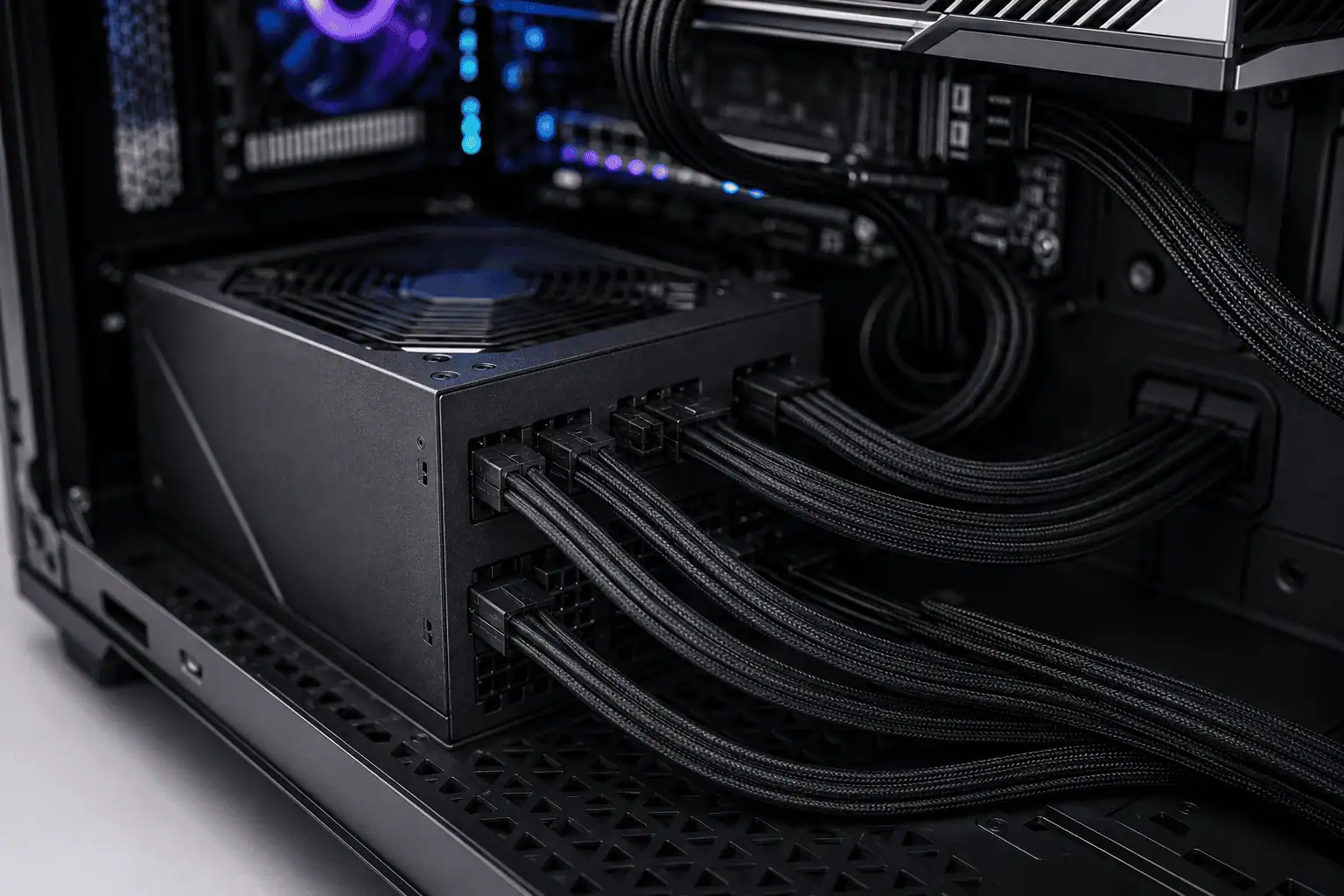
A fully modular PSU makes upgrades easier and improves overall PC component cable management because unused cables stay out of the case.
Why Compatibility Matters
Many builders think all modular PSU cables are built the same way. They are not, because the PSU-side connector often uses a manufacturer-specific pinout.
Are Modular PSU Cables Universal?
No.
Modular PSU cables are not universal.
This is the most important thing to remember when building or upgrading a PC.
Many people believe that if a cable fits into the PSU, it must be compatible. That is not true.
The connector shape is only one part of compatibility. The cable must also have the correct PSU connector pinout.
Different manufacturers use different wiring layouts because there is no universal standard for the PSU-side connector.
Some companies even change the cable generation between PSU series, so cables from one model may not work with another model from the same brand.
Groups such as PCI-SIG define standards for connectors like the PCIe connector used by graphics cards. Likewise, the ATX 3.1 power standard defines how PC components receive power.
However, these standards do not control the modular connector on the PSU itself.
Because of this, there are no truly interchangeable PSU cables.
Whether you are buying OEM PSU cables, OEM replacement cables, or custom PSU cables, they must be made for your exact PSU model or listed as officially compatible.
Why Modular PSU Cables Are Not Interchangeable
The biggest reason is that a modular power cable has two different ends.
One end connects to your PC hardware.
The other end connects directly to the power supply.
Only the component side follows common industry standards.
PSU Side vs Component Side

The connector on the PSU side is designed by the power supply manufacturer.
Inside that connector are wires carrying power, ground, and sometimes sense wires. These wires may be arranged differently between brands or even between different PSU families from the same brand.
This wiring layout is called the modular cable pinout or PSU cable pinout.
The component side is much more consistent.
For example:
- The motherboard uses the ATX connector.
- Graphics cards use the PCIe connector.
- The processor receives power through the EPS connector.
- Storage drives use SATA power connectors.
Since these connectors follow industry standards, they rarely cause confusion.
The PSU side is where compatibility problems happen.
What Is a Cable Pinout?
A cable pinout is a map showing where every wire inside the connector goes.
It identifies which pins carry:
- 12V power
- Ground
- Control signals
- Sense wires
Two cables can have identical connectors but completely different PSU connector pinouts.
That is why appearance alone cannot confirm compatibility.
Physical Compatibility vs Electrical Compatibility
Many builders only check whether a cable fits into the socket.
That is called physical compatibility.
The more important check is electrical compatibility.
Electrical compatibility means the cable has the correct PSU pinout, voltage mapping, and wiring for your specific power supply.
A cable can fit perfectly and still send power to the wrong pins.
That is why you should never test a cable simply by plugging it in.
Instead, verify your PSU model, check the manufacturer’s compatibility information, and use approved OEM replacement cables or compatible third-party replacements.
The same rule applies to ATX PSU cables, sleeved PSU cables, and modular cable replacement kits. Always confirm they are designed for your exact power supply.
What Happens If You Use the Wrong PSU Cable?
Using the wrong cable can do much more than stop your PC from turning on.
If the PSU cable pinout does not match your power supply, electricity can reach the wrong pins. Some parts may receive too much voltage, while others may not receive enough.
Modern power supplies include safety features, but they cannot fix an incompatible cable.
The wrong cable can affect several components, including:
- Graphics card (GPU)
- Motherboard
- CPU
- SSD or SATA drives
- Power supply
In some cases, the PC simply refuses to boot.
In more serious cases, components can be permanently damaged.
Because replacement hardware is far more expensive than a new cable, it is always worth spending a few minutes checking PSU cable compatibility before connecting anything.
One simple rule can help you avoid most problems:
If you cannot confirm that a modular PSU cable is compatible with your exact power supply, do not use it.
CPU (EPS) vs PCIe Cables
Many first-time PC builders think EPS and PCIe cables are the same because both often use an 8-pin connector.
They are different.
An EPS connector supplies power to the CPU through the motherboard.
A PCIe connector supplies power to the graphics card.
Although the connectors may look similar, the wiring inside is different. Using the wrong cable can stop your PC from booting or damage connected hardware.
Always use the cable labeled for its purpose. Never force one connector into another socket.
12VHPWR vs 12V-2×6
Modern graphics cards may use either a 12VHPWR connector or the newer 12V-2×6 connector.
Both are designed to deliver more power than older PCIe connectors. The newer 12V-2×6 connector improves contact reliability and reduces the chance of poor connections.
If your modular power supply includes a native 12V-2×6 cable, use it instead of adapters whenever possible.
If you need a replacement cable, make sure it is designed for your exact PSU model. Even with these newer connectors, PSU cable compatibility still depends on the PSU-side cable pinout.
How to Check Modular PSU Cable Compatibility

Checking compatibility only takes a few minutes and can save expensive hardware.
1. Find Your Exact PSU Model
Start by locating the model number on the label attached to your power supply.
Do not rely only on the brand name.
Manufacturers often sell multiple PSU series with different PSU cable pinouts and cable generations.
2. Check the Manufacturer’s Compatibility Guide
Visit the manufacturer’s website and look for its cable compatibility guide.
Major brands publish lists of supported OEM PSU cables, OEM replacement cables, and compatible cable types.
If your model is not listed, contact the manufacturer’s support team before buying new cables.
3. Verify the Cable Type
Some manufacturers organize cables by type or generation.
Even within the same brand, one cable generation may not work with another PSU series.
Always confirm the cable matches your exact power supply before installing it.
4. Avoid Unknown Cables
If you find loose modular cables in a drawer or receive extra cables with a used PC, do not assume they are safe.
If you cannot identify the original PSU they came from, do not use them.
Replacing a cable is much cheaper than replacing damaged hardware.
Brand Compatibility Basics
Every PSU manufacturer has its own cable designs.
Some brands keep the same PSU cable pinout across several models, while others change it between product lines.
Major manufacturers such as Corsair, Seasonic, EVGA, Cooler Master, ASUS, MSI, and be quiet! provide compatibility information for their modular power supplies.
Do not choose cables based only on the brand name.
Even two power supplies from the same manufacturer can use different ATX PSU cables or different internal wiring.
Always verify your exact PSU model before buying PSU replacement cables.
Replacement Cables vs Extension Cables

Many PC builders confuse replacement cables with extension cables, but they serve different purposes.
Replacement cables plug directly into the power supply. Because they connect to the PSU, they must have the correct PSU connector pinout for your model.
If your original cables are missing or damaged, buy OEM replacement cables or trusted third-party replacements that are made specifically for your PSU.
OEM cables are made or approved by the PSU manufacturer, making them the safest choice when available.
Extension cables connect to the end of your existing PSU cables instead of the power supply itself.
Since they connect to standardized component-side connectors, extension cables are generally safer to use across different systems.
Many builders also use sleeved PSU cables as extension cables to improve cable management and give the PC a cleaner appearance.
If your original cables are working, extension cables are usually the better choice for improving looks.
Missing Your Original PSU Cables?
Missing cables are common when buying a used PSU or moving parts between builds.
Do not replace them with random modular cables that happen to fit.
Instead:
- Find the exact PSU model.
- Check the manufacturer’s compatibility guide.
- Buy original OEM replacement cables whenever possible.
- Choose trusted third-party cables only if they clearly list your PSU model.
- Avoid unknown or unlabeled cables.
If you cannot confirm compatibility, do not connect the cable.
Common Mistakes to Avoid
Many cable problems happen because builders make simple assumptions.
Avoid these common mistakes.
Assuming All Modular PSU Cables Are Universal
They are not.
Always verify compatibility before using a replacement cable.
Trusting the Brand Name Alone
The same manufacturer may use different PSU cable pinouts across different PSU families.
Always check the exact model number.
Choosing Cables Based on Wattage
A 750W and an 850W power supply from the same brand can still use different cables.
Compatibility depends on the PSU model, not its wattage.
Reusing Old PSU Cables
Do not reuse cables from an older power supply unless the manufacturer confirms they are compatible.
Buying Cheap Unknown Cables
Poor-quality cables may not follow the correct cable pinout.
Choose OEM PSU cables, trusted custom PSU cables, or reputable third-party replacements that clearly list compatibility.
Skipping Compatibility Checks
A cable that fits is not always a cable that works safely.
Always verify power supply cable compatibility before turning on your PC.
Final Thoughts
Modular PSU cable compatibility is about matching the right cable to the right power supply, not just the connector shape. Before reusing or replacing a cable, verify that it is compatible with your exact PSU model. A few minutes spent checking compatibility can help you avoid boot issues, hardware damage, and unnecessary replacement costs.
FAQs
Can I use modular PSU cables from a discontinued power supply?
Yes, but only if they are confirmed to be compatible with your current PSU. A discontinued model does not guarantee the same cable pinout.
Do modular PSU cables wear out over time?
Normal use does not wear them out quickly, but damaged insulation, bent pins, or loose connectors are signs that the cable should be replaced.
Can I use cable extensions with any power supply?
In most cases, yes. Since extension cables connect to the existing PSU cables instead of the PSU itself, they are generally compatible if they are made to the correct standard.
Should I label my modular PSU cables?
Yes. Labeling cables makes future upgrades easier and helps prevent mixing cables from different power supplies.
Are all SATA power cables interchangeable?
No. While the SATA connector on the drive side is standardized, the PSU-side wiring may differ between manufacturers. Always use SATA cables that are compatible with your PSU.