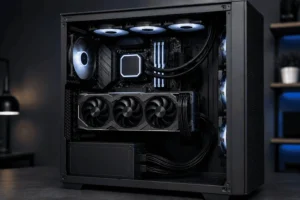
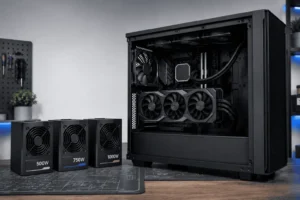



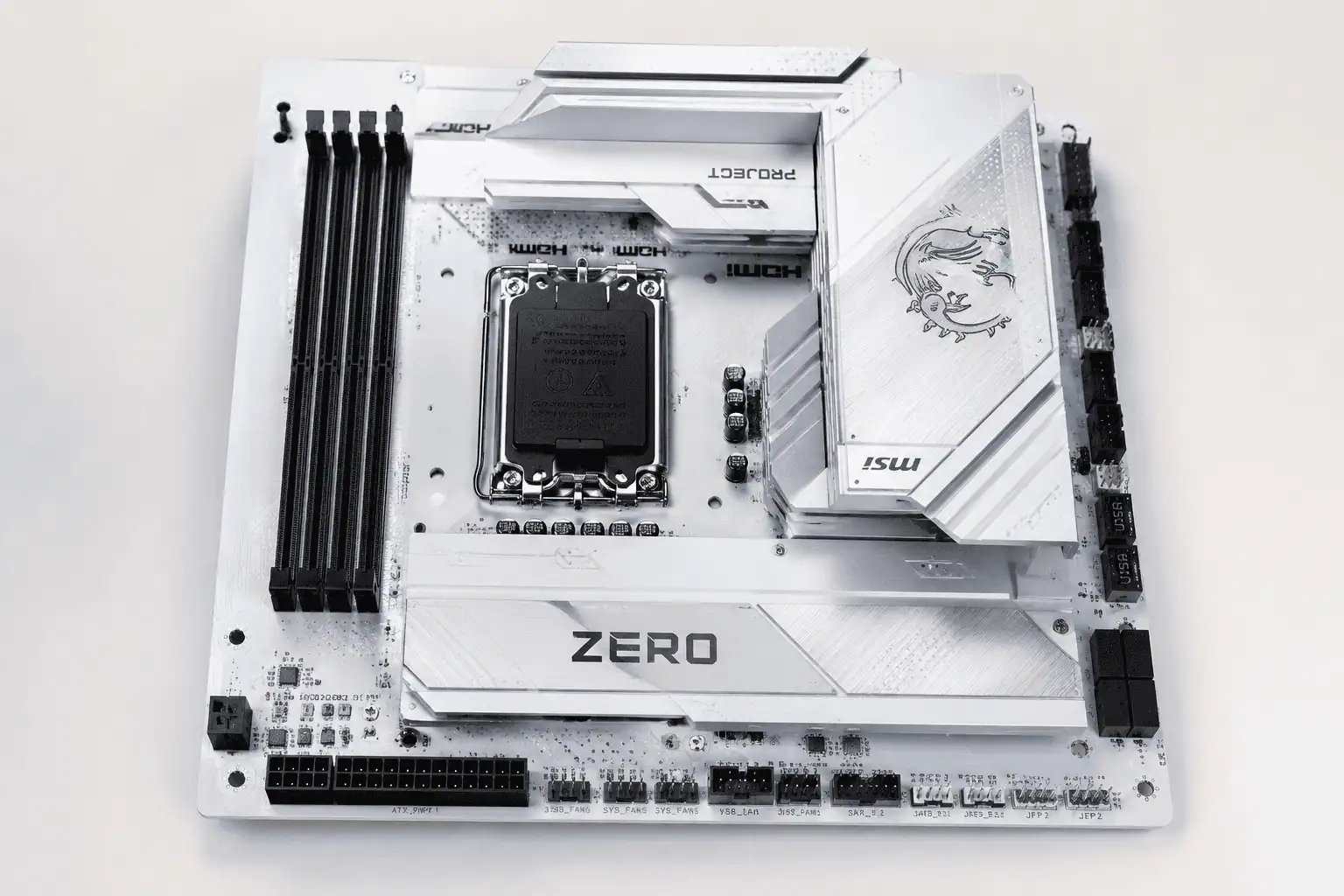
Modern PC builds look cleaner than ever. One reason is the growing use of reverse connector motherboards. Instead of placing most connectors on the front, these motherboards move them to the back. This simple design helps hide cables behind the motherboard tray and gives the inside of your PC a neat and organized appearance.
A reverse connector motherboard can make cable management easier and improve the overall look of your build. However, it also requires compatible hardware. This guide explains how it works, its benefits, compatibility requirements, and whether it is the right choice for your next PC build.
What Is a Reverse Connector Motherboard?
A reverse connector motherboard is a motherboard with most of its connectors placed on the back instead of the front.
Instead of connecting power, fan, and front panel cables from the visible side of the motherboard, you plug them in behind the motherboard tray. This keeps most of the wiring out of sight and creates a much cleaner-looking PC.
The processor, memory slots, graphics card slot, and M.2 SSD slots stay exactly where they are on a traditional motherboard. Only many of the cable connectors move to the rear.
Most reverse connector motherboards relocate the following connectors:
- 24-pin motherboard power connector
- CPU power connector
- SATA ports
- USB headers
- Front panel connectors
- Fan headers
- RGB and ARGB headers
This design improves cable management without changing how the computer works. It does not change how the motherboard performs or which processor it supports.
Reverse Connector vs Back-Connect: What’s the Difference?
Many people think these are two different motherboard types. In most cases, they mean the same thing.
A reverse connector motherboard is the general name for a motherboard with rear-facing connectors.
Many manufacturers and PC builders also use the term back-connect motherboard because the cables connect from behind the motherboard tray.
You may see both names used on product pages, reviews, and PC building forums, but they usually describe the same motherboard design.
Some brands use their own names instead of these general terms. Although the names are different, the goal is the same: reduce visible cables and create a cleaner PC build.
ASUS BTF, MSI Project Zero, and Gigabyte Project Stealth
Several motherboard manufacturers have introduced their own versions of the reverse connector design.
ASUS calls its ecosystem BTF, MSI uses Project Zero, and Gigabyte uses Project Stealth.
Each brand has a slightly different connector layout and compatibility requirements. Some models also include extra features that work only with hardware from the same ecosystem.
Before buying, always check that your motherboard and PC case are compatible. Not every reverse connector motherboard fits every case, even if they look similar.
How Does a Reverse Connector Motherboard Work?

A reverse connector motherboard works much like a traditional motherboard.
You still install the processor, memory, graphics card, storage drives, and CPU cooler in the usual way. The biggest difference is where you connect the cables.
Instead of plugging the motherboard power cable, fan cables, USB headers, and front panel connectors into the front of the board, you connect them from behind the motherboard tray.
This keeps the front of the build much cleaner because fewer cables cross the motherboard.
Which Connectors Move to the Back?
The connectors that create the most cable clutter are usually moved to the rear of the motherboard.
These typically include the 24-pin power connector, CPU power connector, SATA ports, USB headers, fan headers, RGB headers, and front panel connectors.
Since these cables stay behind the motherboard tray, the inside of the case looks much more organized.
What Stays the Same?
Although the connector layout changes, the overall building process remains familiar.
The CPU socket stays in the same location.
The RAM slots remain unchanged.
Your graphics card still installs into the PCIe slot on the front of the motherboard.
M.2 SSDs, CPU coolers, and memory modules are also installed exactly as they would be on a standard motherboard.
For most builders, the only real difference is where the cables connect.
Does a Reverse Connector Motherboard Improve Performance?
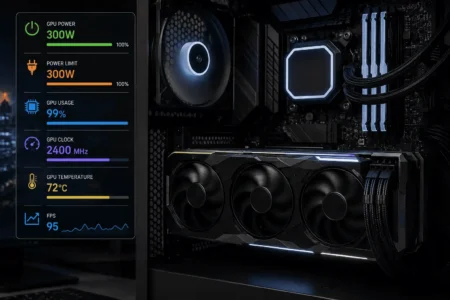
No. A reverse connector motherboard does not increase FPS or make your processor or graphics card faster.
Its main purpose is to improve cable management and create a cleaner-looking build.
By reducing cable clutter inside the case, airflow may move more freely, but cooling performance still depends on your case, fan setup, and overall system design.
Why Choose a Reverse Connector Motherboard?
At first, a reverse connector motherboard may seem like a small design change. However, moving the connectors to the back can make building, upgrading, and maintaining your PC much easier.
If you care about a clean-looking system and better cable management, this motherboard design offers several practical advantages.
Cleaner Cable Management
The biggest benefit is cleaner cable management.
On a traditional motherboard, many cables run across the front before reaching their connectors. Even with careful routing, some cables usually remain visible.
A reverse connector motherboard moves most of these connections behind the motherboard tray.
As a result, the inside of your PC looks much cleaner with less effort.
For example, the 24-pin power cable can be routed directly behind the motherboard instead of stretching across the board.
This layout is also helpful for first-time PC builders because fewer visible cables make the system easier to organize. While good cable management is still important, beginners can often achieve a cleaner build with less effort.
Easier Cable Routing
Cable routing becomes much simpler because most connectors are closer to the cable routing holes in the case.
Instead of pulling cables across the motherboard, you can feed them through the nearest opening behind the tray.
This creates shorter cable runs and reduces cable clutter.
It also saves time during the build because you spend less effort hiding wires.
Better Airflow
A reverse connector motherboard does not directly improve cooling performance.
However, fewer cables inside the main chamber leave a clearer path for airflow.
For example, front intake fans can deliver cool air more easily to the graphics card and CPU cooler when thick power cables are no longer blocking the airflow.
Good airflow still depends on your fan setup and PC case, but reducing cable clutter can help your cooling system work more efficiently.
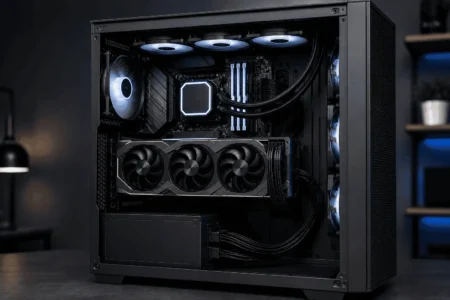
A Cleaner Looking PC
Many modern PC cases include tempered glass side panels that show the entire build.
With fewer visible cables, your hardware becomes the main focus instead of the wiring.
Your graphics card, CPU cooler, memory, and RGB lighting stand out more, giving the system a cleaner and more professional appearance.
This is one of the main reasons showcase PC builders choose reverse connector motherboards.
Easier Upgrades and Maintenance
A cleaner interior is also easier to work on.
When cables are hidden behind the motherboard tray, you can reach important components without moving several wires first.
For example, upgrading memory, replacing an M.2 SSD, or installing a new CPU cooler is often simpler because there are fewer cables blocking your workspace.
Routine cleaning also becomes easier since fans and heatsinks are more accessible.
Drawbacks You Should Know
A reverse connector motherboard offers many advantages, but it also has a few limitations.
Knowing these before buying can help you avoid compatibility issues and unexpected costs.
You Need a Compatible PC Case
The biggest drawback is case compatibility.
Unlike a traditional motherboard, a reverse connector motherboard requires a case with cutouts behind the motherboard tray for the rear-facing connectors.
Without these openings, many cables cannot be connected properly.
Always check the case specifications before purchasing a motherboard.
Fewer Motherboard Choices
Reverse connector motherboards are still newer than standard motherboards.
Although more manufacturers are adding support each year, there are still fewer models available.
Depending on your preferred chipset or motherboard size, you may have fewer options to choose from.
The Total Build Cost Can Be Higher
The motherboard itself is not always significantly more expensive.
However, if your current case is not compatible, you may also need to buy a new case.
For builders starting a completely new PC, this may not be a major issue.
If you’re upgrading an existing system, it can increase the overall cost.
Rear Cable Space Still Matters
Moving cables behind the motherboard tray does not remove the need for good cable management.
The rear compartment still needs enough space for the cables to fit comfortably.
If you bundle every cable together, closing the rear side panel may become difficult.
PC cases with deeper motherboard trays usually provide more space for cable routing and thicker cable bundles.
Taking a few extra minutes to route cables neatly behind the motherboard tray will make future upgrades and maintenance much easier.
Compatibility Guide
Compatibility is the most important thing to check before buying a reverse connector motherboard.
Even if the motherboard supports your processor and memory, it also needs to work with your PC case and other components.
Checking compatibility before purchasing can save you time, money, and unnecessary returns.
Before buying, always check the compatibility list provided by the motherboard and PC case manufacturers.
PC Case Compatibility
Your PC case is the first component you should check.
A reverse connector motherboard needs a case with rear cutouts that allow cables to connect behind the motherboard tray.
Not every ATX case supports this design.
Look for product descriptions that mention support for reverse connector, back-connect, ASUS BTF, MSI Project Zero, or Gigabyte Project Stealth motherboards.
Also make sure the case supports your motherboard size, whether it is ATX, Micro-ATX, or Mini-ITX.
Power Supply Compatibility
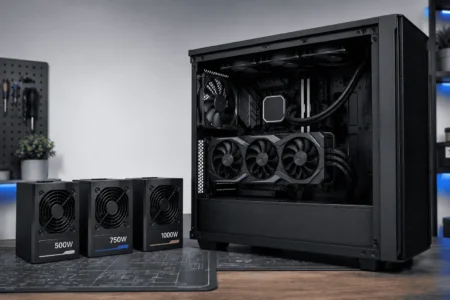
Most reverse connector motherboards work with standard ATX power supplies.
You do not need a special PSU.
However, check that your motherboard and CPU power cables are long enough to reach the rear connectors, especially if you are using a large mid-tower or full-tower case.
A modular power supply can also make cable routing cleaner because you only install the cables you need.
Graphics Card Compatibility
Most graphics cards work normally with reverse connector motherboards.
The graphics card still installs into the PCIe slot on the front of the motherboard, just like it does on a traditional board.
Some ecosystems, such as ASUS Advanced BTF, support hidden GPU power connections with compatible graphics cards.
If you are using a standard graphics card, it will continue to use normal PCIe power cables.
CPU Cooler Compatibility
Reverse connector motherboards do not affect CPU cooler compatibility.
Air coolers and liquid coolers install the same way they do on traditional motherboards.
Your main concern should be making sure the cooler fits inside your PC case.
Always check the cooler height or radiator support before buying.
Storage and Fan Compatibility
Storage drives and cooling hardware remain fully compatible.
M.2 SSDs install normally, while SATA drives simply connect from the back of the motherboard instead of the front.
Case fans, CPU fans, AIO coolers, RGB hubs, and fan controllers also work as expected.
The only difference is that many fan and RGB headers are located behind the motherboard tray.
Cable Management Tips for Reverse Connector Motherboards
A reverse connector motherboard makes cable management easier, but good planning is still important.
Following a few simple habits can make your build cleaner and easier to upgrade later.
Route Large Cables First

Start with the largest cables, such as the 24-pin motherboard cable and the CPU power cable.
Once these are in place, routing the smaller cables becomes much easier.
This also prevents smaller cables from becoming trapped underneath larger ones.
Use the Nearest Cable Grommets
Most modern PC cases include rubber grommets or cable routing holes around the motherboard tray.
Use the closest opening for each cable instead of stretching it across the case.
Shorter cable runs create a cleaner appearance and reduce unnecessary cable clutter.
Test the Rear Side Panel Before Finishing
💡 Pro Tip
Before securing your cables with zip ties or Velcro straps, connect every component and make sure the PC powers on correctly. Once everything is working, organize and secure the cables for the cleanest finish.
Before installing the tempered glass side panel, close the rear side panel first.
If it does not close easily, rearrange the cables before completing the build.
This simple check can prevent excessive pressure on cables and connectors.
Common Compatibility Mistakes

Many builders run into problems because they overlook a few basic compatibility checks.
Avoiding these common mistakes will make the building process much smoother.
Buying the Motherboard Before the Case
Some builders buy the motherboard first and only later discover that their existing case does not support rear-facing connectors.
Choosing a compatible case before selecting the motherboard helps avoid this problem.
Assuming Every Brand Uses the Same Layout
Reverse connector motherboards follow the same general idea, but the connector layout can vary between manufacturers.
Always check the compatibility information provided by both the motherboard and case manufacturer before buying.
Ignoring Rear Clearance
Many people focus only on how clean the front of the PC looks.
However, the cables still need enough space behind the motherboard tray.
If the rear compartment is too crowded, the side panel may not close properly.
Keeping the cables flat and organized behind the motherboard tray makes future upgrades much easier.
Is a Reverse Connector Motherboard Worth Buying?
A reverse connector motherboard is a good choice if you are building a new PC and want a clean, organized interior.
By moving most connectors behind the motherboard tray, it reduces visible cables and makes cable management much easier.
It is especially useful if you are using a modern PC case with a tempered glass side panel. With fewer cables on display, your graphics card, CPU cooler, and RGB lighting become the main focus of the build.
However, it is not the best option for everyone.
If your current PC case does not support rear-facing connectors, upgrading only the motherboard may also require buying a new case. In that situation, a traditional motherboard may offer better value.
Before making a decision, check that your motherboard, PC case, power supply, and other components are compatible. A little planning before buying can help you avoid unnecessary costs later.
Best for New PC Builds
If you are starting a new build from scratch, a reverse connector motherboard is worth considering.
You can choose a compatible case from the beginning and enjoy cleaner cable routing without changing your build later.
When a Standard Motherboard Makes More Sense
A traditional motherboard is still a great choice if your existing case is not compatible or you simply want the widest range of motherboard options.
For many builders, the performance difference is zero because both motherboard types support the same processors, memory, and graphics cards.
Is It a Good Long-Term Choice?
Yes. More motherboard and PC case manufacturers are supporting reverse connector designs each year.
While traditional motherboards remain the most common option, the growing number of compatible products makes reverse connector motherboards a practical choice for many new PC builds.
Conclusion
A reverse connector motherboard offers a simple way to build a cleaner and more organized PC by moving most connectors behind the motherboard tray. While it does not improve system performance, it can make cable management easier and create a tidier interior. Before buying one, check that your PC case supports rear-facing connectors and that your components are compatible. If you value a clean-looking build and are planning a new PC, a reverse connector motherboard is worth considering. It’s also worth understanding PC component cable management to organize every major component in your build.
FAQs
Can I install a reverse connector motherboard in an older PC case?
Usually no. Older PC cases often do not have the rear cutouts needed for reverse-facing connectors.
Are reverse connector motherboards good for first-time PC builders?
Yes. They make cable management easier, but you still need a compatible PC case.
Can I switch from a standard motherboard to a reverse connector motherboard?
Yes, if your current PC case supports rear-facing connectors. Otherwise, you will likely need a compatible case.
Will reverse connector motherboards become more common?
Yes. More motherboard and PC case manufacturers are adding support for this design each year.